Mini-course
Social content
Posts, carousels and visuals for your business.
Create videos with AI, from an idea and source footage to editing, sound and captions.
Learn AI Video Creation and Editing
Study AI video editing as a recorded mini-course, with roughly six days of material at your own pace. It is also included in the full course alongside content, websites and AI agents.
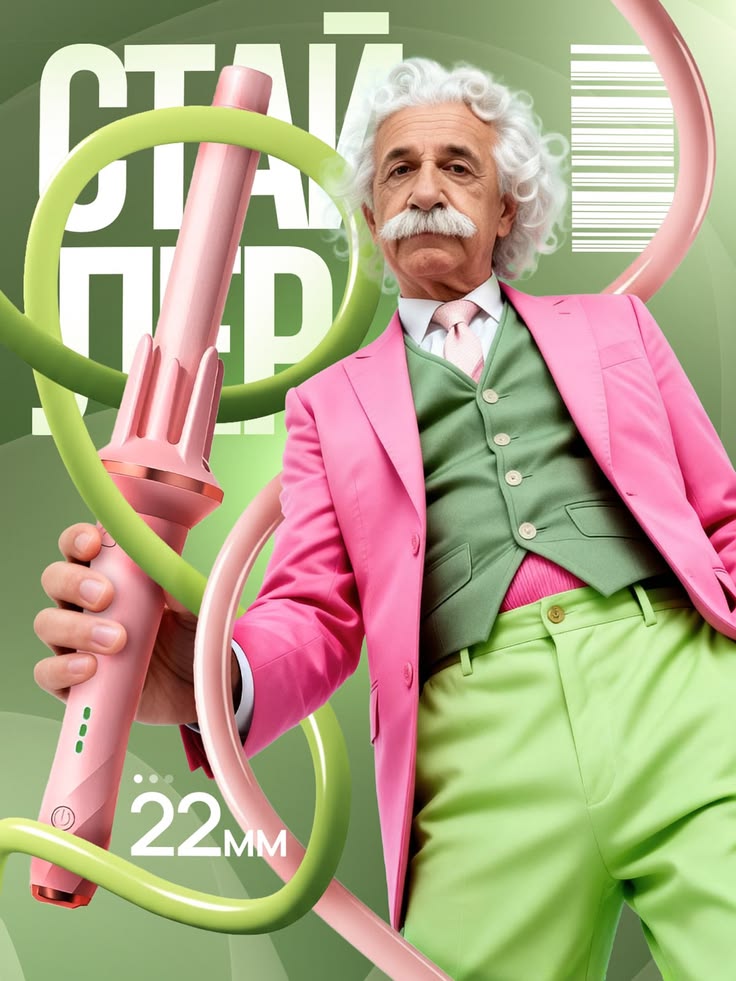
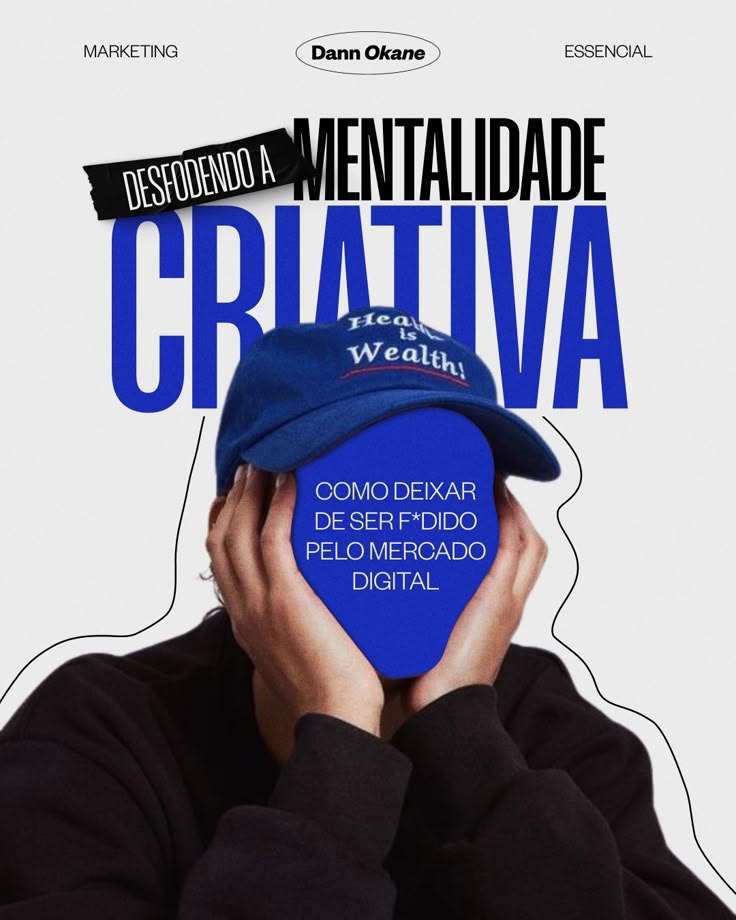
Posts, carousels and visuals for your business.
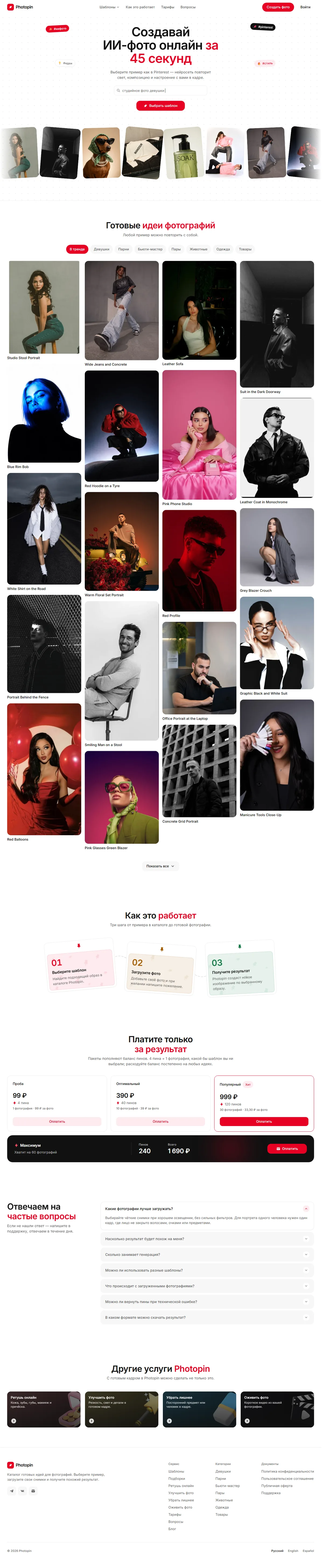
AI images and videos.
Videos, visuals and projects from the learning programme.
Break an idea into scenes, choose source footage and create images with AI. Define your audience and purpose before choosing the visual approach.
Build a story from separate clips: decide on their order, remove unnecessary material and check transitions. Keep the meaning when adapting longer footage into a short format.
Work on sound, subtitles and effects with AI. Check that text is readable, narration matches the visuals and the complete video makes sense.
Prepare Shorts, Reels and longer YouTube videos. Consider framing, important details and how the finished result looks on a phone before publishing.
Getting started with AI.
Yes. AI video editing is available as a recorded mini-course and is also included in the full course. Confirm your chosen format and lesson access before enrolling; the separate mini-course covers its own programme.
The programme covers images, short vertical videos for Shorts and Reels, and longer YouTube videos. Examples explain the path from an idea to footage and editing. Your result depends on your source material and practice.
The course focuses on working with AI agents without separate editing applications or additional plugins. Lessons explain preparation and result checking. We clarify any third-party tool costs before you enrol.
Yes. You can repeat the steps on your own task. Prepare footage or a video idea and check the rights to your music and images. Review the finished video yourself before using it.
The two free weeks in the shared chat are included only with the full course. They are not promised with the separate video mini-course. Confirm support, pricing and access with the manager before purchasing.
Watch recorded lessons on your computer and follow each step on your own project. Learn what to install, how to use AI and how to check the result. Study independently at your own pace.
Yes, you can start from scratch. The full course covers creating and launching a website, buying and connecting a domain, setup and SEO. No coding experience is required to start.
Allow about two weeks for the full course, nine days for Social content and six for AI video editing. These are suggested schedules for the recorded lessons; you can adjust the pace.
A laptop or desktop computer. Lessons explain how to access the AI tools, what to install and how to start. We clarify paid subscriptions and any third-party tool costs before enrollment.
Message us with the course you’d like to take. We’ll confirm pricing and access terms before enrollment. Learning topics: All courses · Prompts · AI agents · Claude · Vibe coding · ChatGPT · AI for business · AI content · Codex · DeepSeek.